
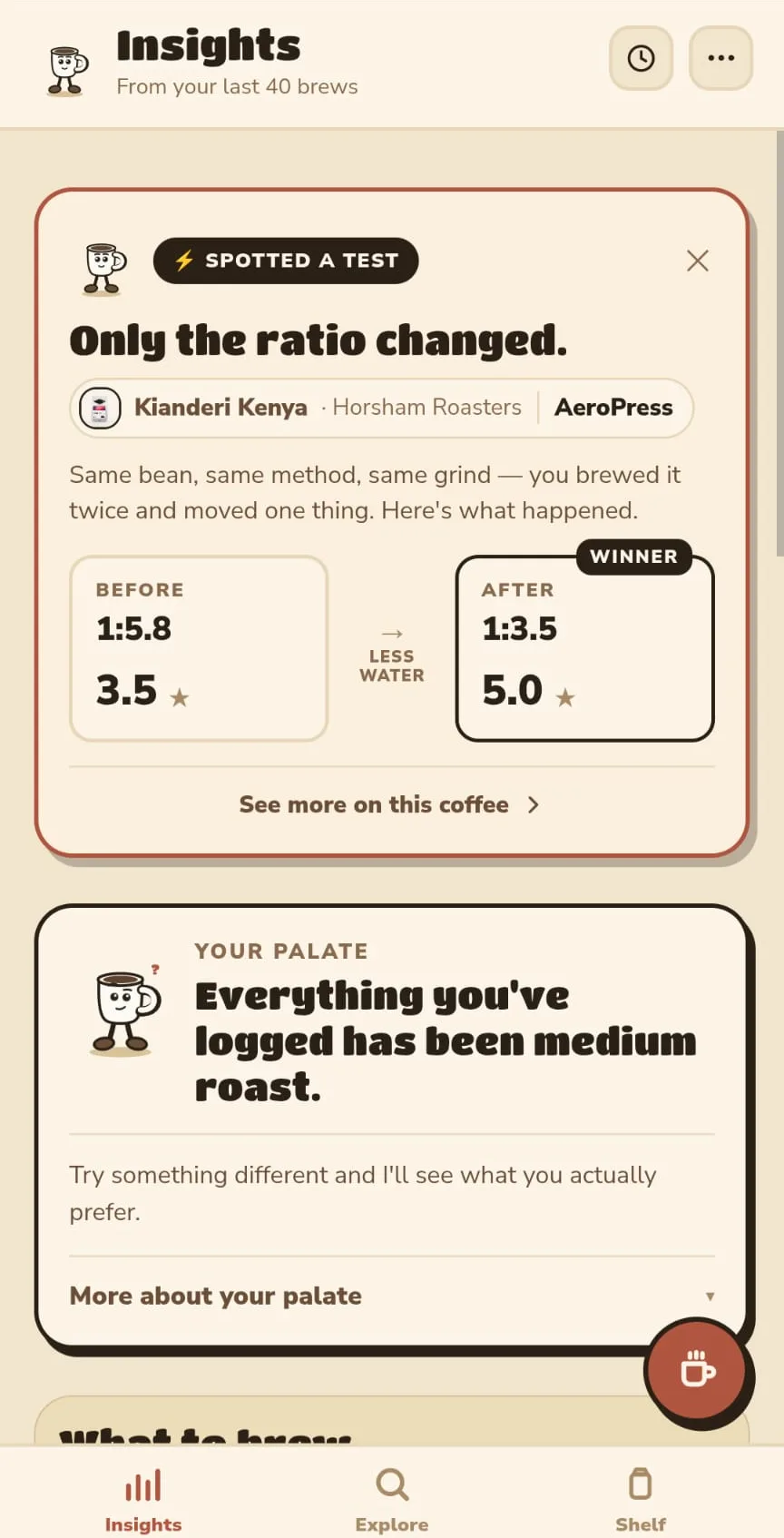

Good beans. Inconsistent coffee. And no real idea which change was the one that made the difference.
How it works
Twenty seconds a brew, and it does the rest
-
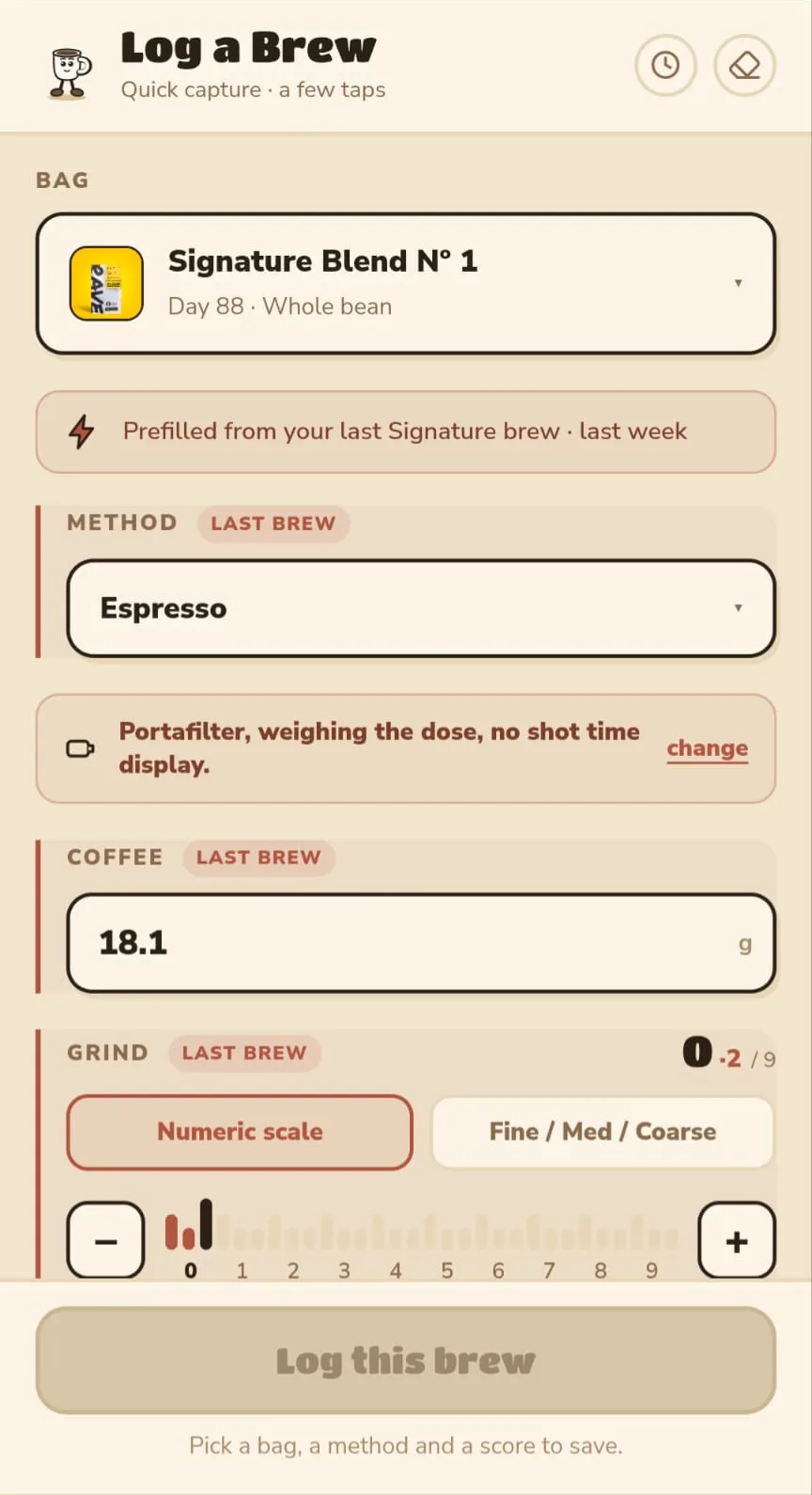
Log what you brewed. It takes about twenty seconds.
-
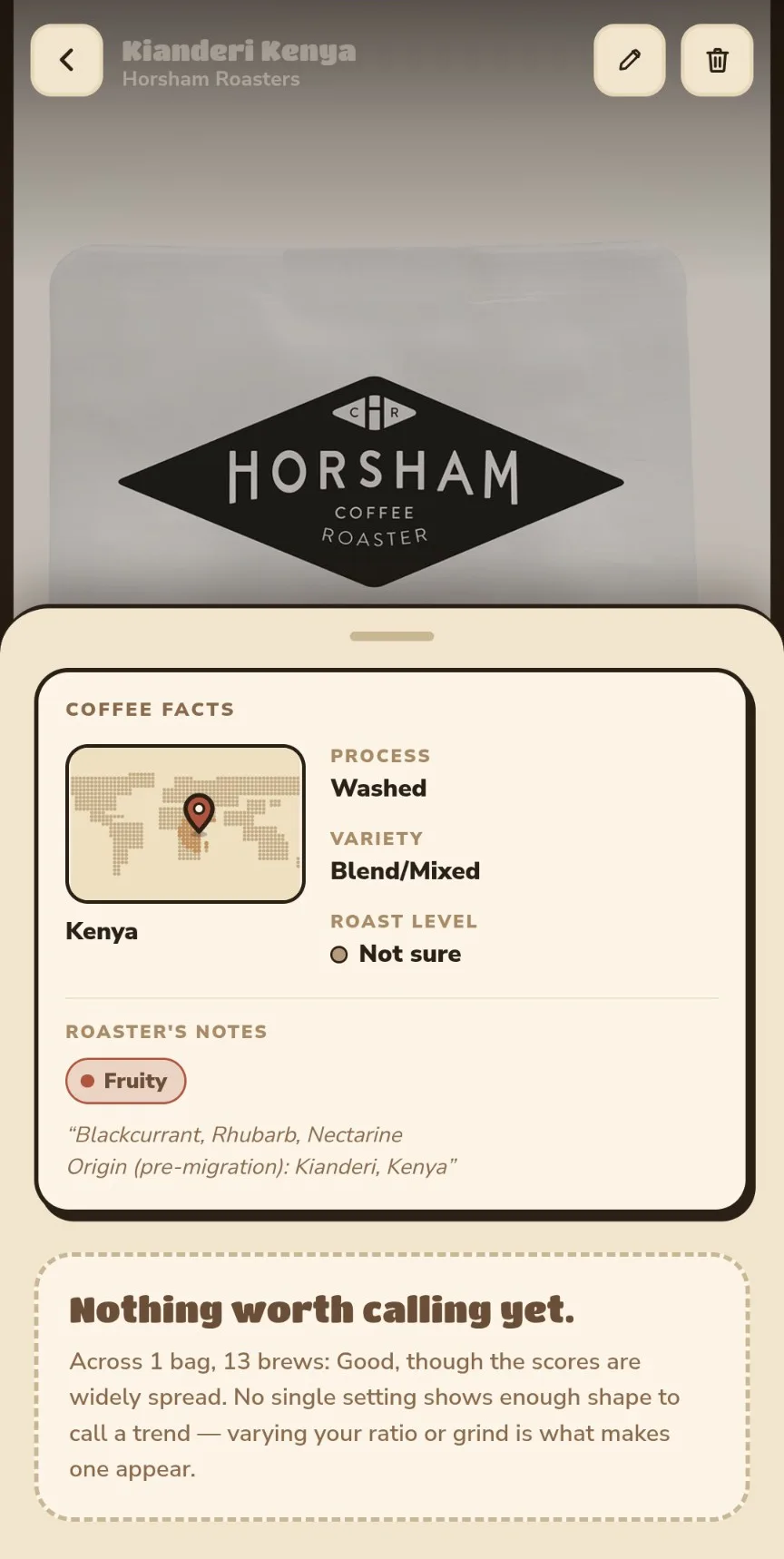
Every brew of that coffee builds one picture.
-
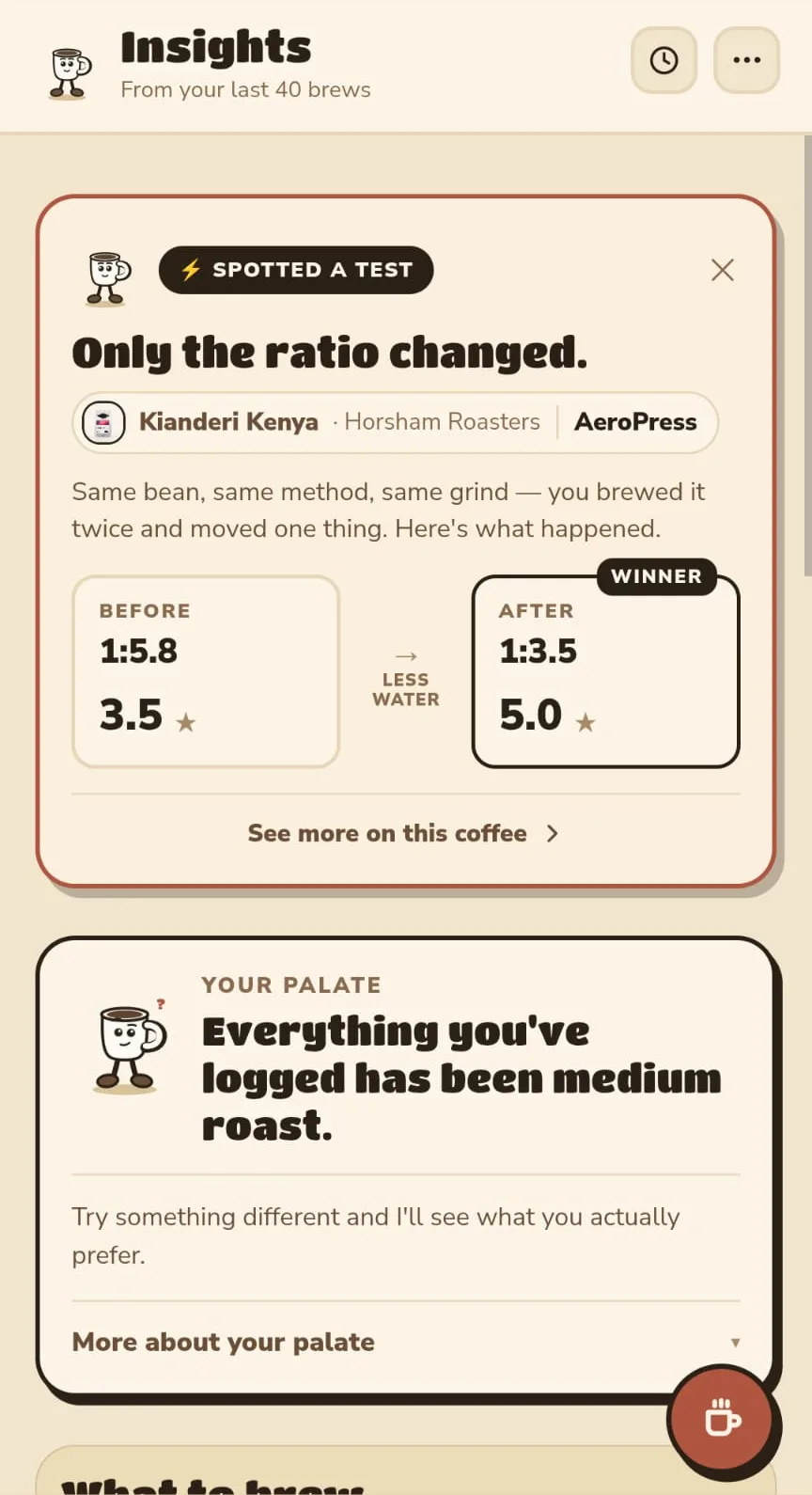
Then it tells you what's actually going on.
-
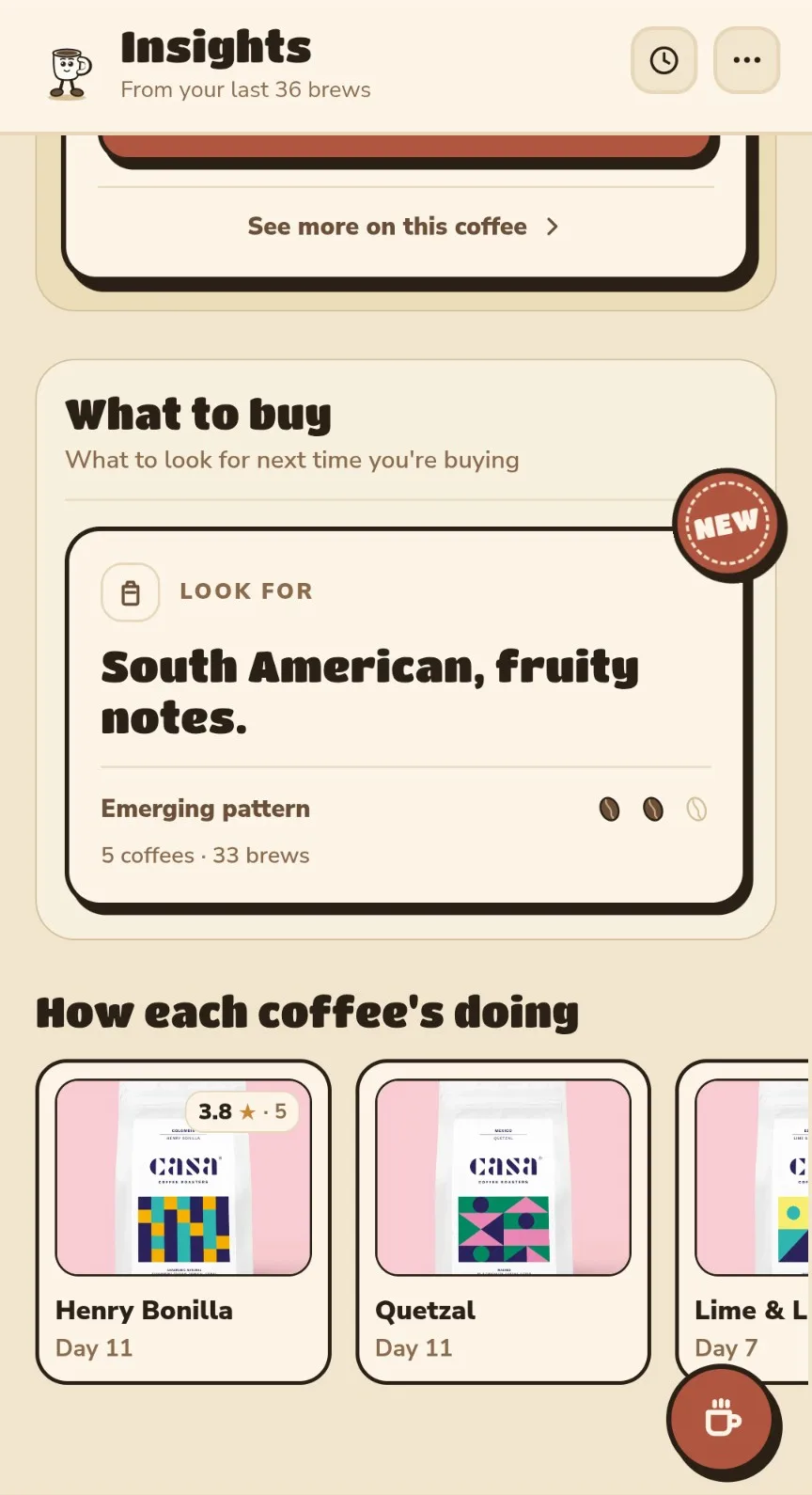
And what to look for next time you're buying.


How it works
Twenty seconds a brew, and it does the rest
- Log what you brewed. It takes about twenty seconds.
- Every brew of that coffee builds one picture.
- Then it tells you what's actually going on.
- And what to look for next time you're buying.
Log what you brewed. It takes about twenty seconds.
Every brew of that coffee builds one picture.
Then it tells you what's actually going on.
And what to look for next time you're buying.
Why you can believe the rest
It tells you when it doesn't know
Thirteen brews of this coffee, and it still won't call it. The scores are too spread out for the pattern to be real, so Perk says so and waits. Nothing is stated until the numbers behind it hold.
Three taps and it's on your phone
Put Perk on your home screen
Log a handful of brews and it starts putting things together.
Do this first
Add Perk to your home screen before you log your first brew. Anything you log in Safari stays in Safari - the installed app cannot pick it up.
That opens the app. Then three taps put it on your home screen:
-
Tap the Share button in Safari.
The square with the arrow, in Safari's toolbar - wherever yours sits, top or bottom.
-
Scroll the sheet and choose Add to Home Screen.
-
Tap Add. Perk is on your home screen, and that is where to open it from afterwards.

Put Perk on your home screen
Log a handful of brews and it starts putting things together.
One detour first
Open this link in Safari
On iPhone, only Safari can add an app to the home screen - no other browser is allowed to. Copy the link, paste it into Safari, and add Perk to your home screen before you log anything. Brews logged in Safari stay in Safari.
One tap and it's on your phone
Put Perk on your home screen
Log a handful of brews and it starts putting things together.
Your browser will ask you to confirm. Nothing downloads from a store.
If your browser didn't ask
-
Open the browser menu - the three dots.
-
Choose Install and create shortcut, or whatever yours calls it - Install app, Add to Home screen, all the same.
-
Confirm, and Perk is there.
Made for the phone in your kitchen
Open this on your phone
Perk is for logging a brew while you're making it, so it lives on your home screen, not in a desktop tab. Log a handful of brews and it starts putting things together.
app.getperk.coffee type it into your phone's browser

Straight answers
Things people ask
Is it free?
Yes, all of it. Nothing is held back behind a paid tier.
Do I need an account?
No. Perk opens straight into logging a brew and everything works without one. There is an optional account if you want it - allows you to save data across multiple devices.
Where does my brewing data go?
Unless you say otherwise, nowhere - your brews stay on your phone. Perk counts anonymous totals, like how many brews get logged, so I can tell whether the app is working.
If you opt in, your brews also join a shared pool with your details stripped out. That pool lets Perk show you patterns no single person's history could support, and aggregated findings from it are what roasters pay for, which is how Perk stays free. No roaster ever sees one person's brews.
Does it work offline?
Yes. Once it's on your home screen it opens and logs with no connection, which suits a kitchen with bad signal.
Why isn't it in the App Store?
It doesn't need to be. Adding it to your home screen gives you the same icon and the same app, updated the same day.
Do I need scales and a good grinder?
No. Rough numbers logged every time tell Perk far more than precise ones logged only when you feel like it.
Home brewing, or coffee I buy out?
Coffee you brew at home. What it learns there is what tells you which bags to reach for when you're buying.
From the founder
I kept making a good cup with no real idea what I'd done differently.
So I took notes, the notes became a spreadsheet, and the spreadsheet became this.
It's early, and the rough parts are the ones I'm working on now.
If something annoys you, tell me.
Happy brewing.
Will
Yorkshire, most mornings